
Teach it once, conduct forever
No cameras, no hubs to buy, no room mapping ritual. You teach Maestro where things are the natural way, by pointing at them.
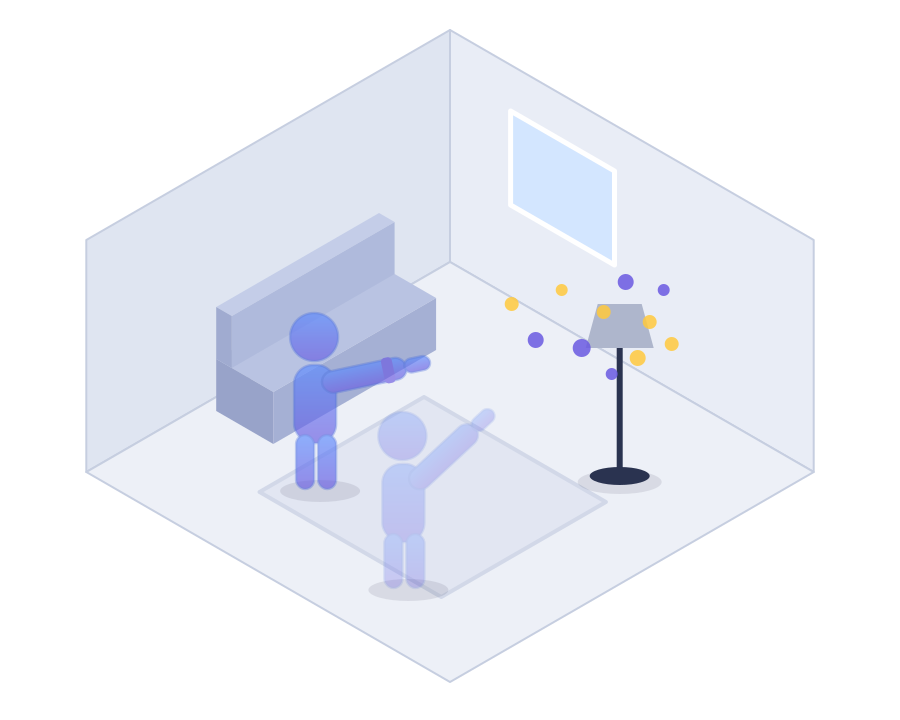
Paint your devices
Sweep your arm at each device for ~15 seconds, like spray-painting it. Your wrist pulses while it learns. That's the whole setup.
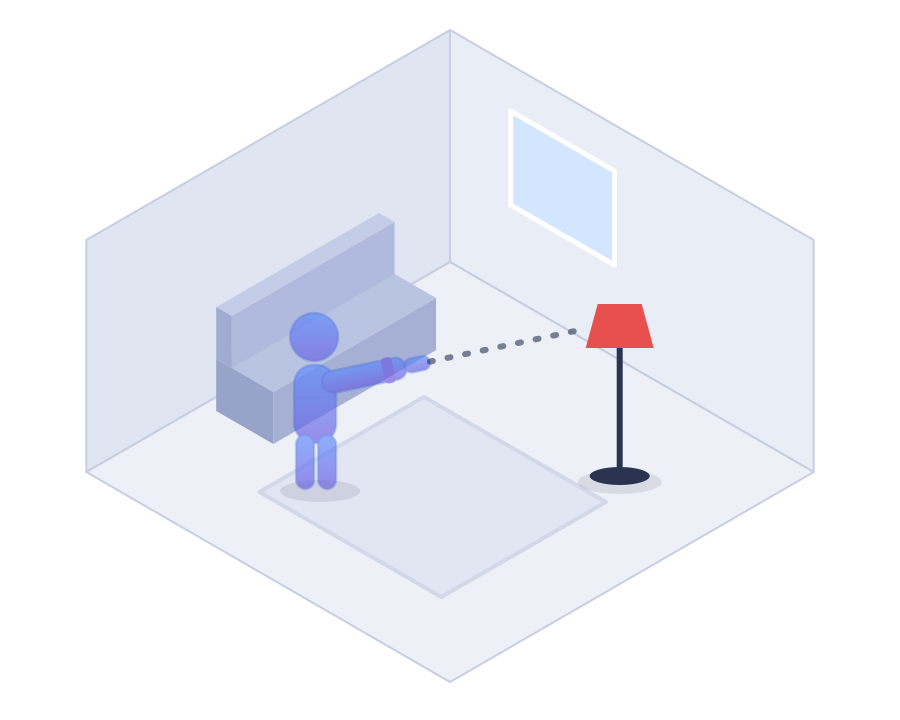
Point
Arm out, finger at the device, like showing it to a friend. The watch knows what you mean.
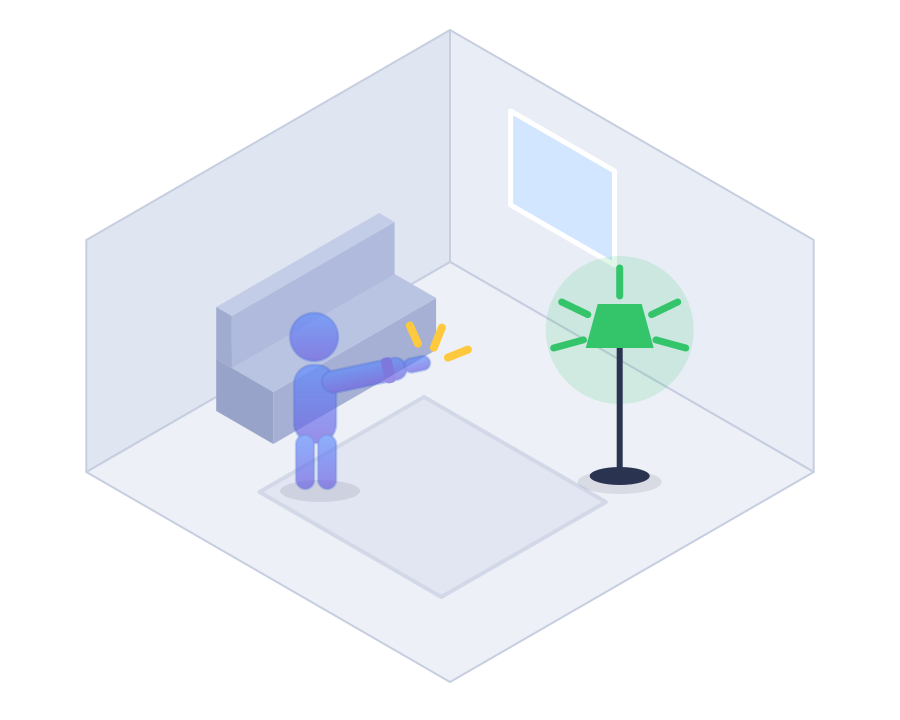
Snap
Snap your fingers (or tap, or double-tap). Haptic confirmation on your wrist, light goes on.
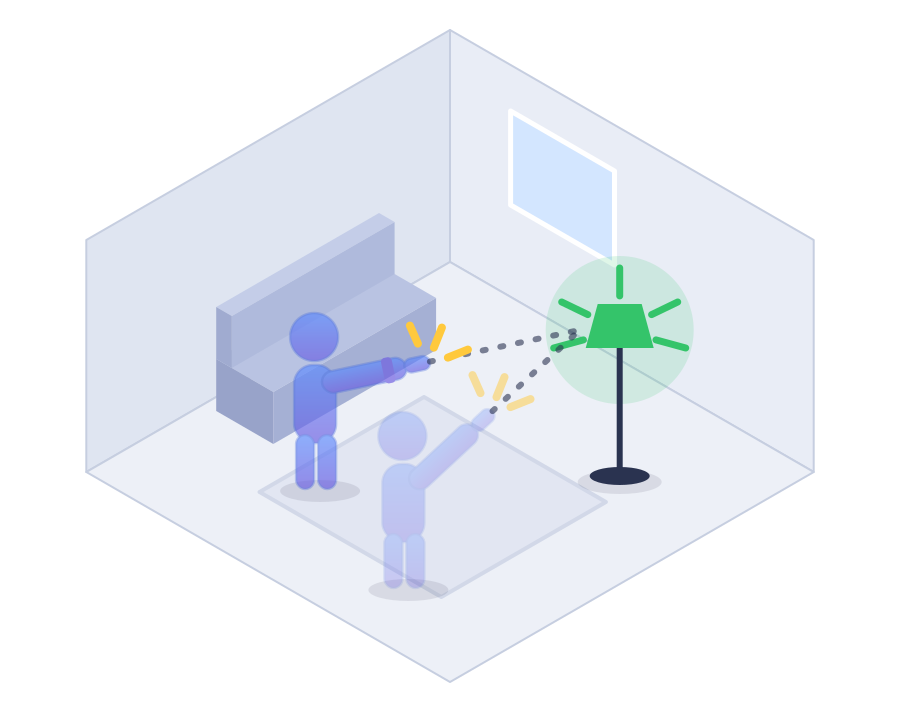
From anywhere
Walk to another room and Maestro follows. A little tap on your wrist says it noticed.
Works with Apple Home
One permission prompt and every HomeKit accessory and scene is a target. Scenes can run any Shortcut: point at the door, snap, "Goodnight."
Works with Home Assistant
Sign in to your own server and Maestro talks directly to it. Nothing to install on the HA side.
It learns from you
Wrong room? Pick the right one and it remembers. Wrong device? A little "or the reading light?" button appears; one tap corrects it and teaches it. Day 30 beats day 1.
Locks, done right
Smart locks never fire from a gesture alone. A snap arms the action; a deliberate tap on the watch confirms it. Your lamp can afford a mistake. Your front door can't.
Private by design
No cloud, no account, no data collection. Every command goes straight from your wrist to your home. Your Exercise rings stay yours, too.
The beta, in their words
Live from the launch thread on r/homeassistant. Lightly curated, entirely real.
"We're one step closer to a magic wand."u/tcumby
"I laughed so hard when I switched on/off my first device, so much joy, I felt like a kid again. This is absolutely brilliant!!!"u/Pidpaed
"Mighty wizard! thy wondrous sorcery doth leave me utterly spellbound!"u/Vicingtosh
"This is black magic levels of clever, thank you again for sharing!"u/Chairboy
"I fully intend to use this around friends and completely refuse to acknowledge or explain what is going on."u/woffls
"Sorcery. Burn him at the stake! (Awesome. Absolutely delicious)"u/Pijuli
"It's efficient, it's local and on-device, and it's old vs new tech."u/rmbarrett
Questions people actually ask
Asked by real testers, answered by the guy who snaps at his own house every evening.
Why can't I add a scene?
You can! Point somewhere memorable (the front door is popular), snap, and "Goodnight" runs. But here's the dirty secret of scenes: five minutes after Goodnight, somebody always needs the one lamp that Goodnight turned off. A scene can't help you there. Pointing at the lamp can.
Why not just use Siri?
You can, if your home runs Apple Home. Siri was always there, and Maestro doesn't mind sharing. Home Assistant homes are a different story (take it up with the two of them). But consider: you could say "Hey Siri, turn on the reading light," out loud, in front of guests… or you could point at it and snap. One of these makes you a wizard.
Do I have to open the app every time?
Maestro listens while it's front and center on your wrist. (watchOS doesn't let apps watch your arm from the background all day, which is fair; that's your battery they'd be watching it with.) So the game is getting it up fast, and there's a whole ladder of ways.
The one-tap tier: add the Maestro complication to your watch face (the little hand with the sparks), or drop the widget in your Smart Stack. The button tier: make a shortcut on your iPhone (Shortcuts app → Open App → Maestro) and hang it wherever you like: the Action button on an Ultra, or Control Center on any watch.
The wizard tier, discovered by a beta tester: point a hand gesture at that same shortcut. Watch Settings → Accessibility → AssistiveTouch → Hand Gestures, assign Double Clench to your Open Maestro shortcut. Now the whole move is: double clench, then snap. No buttons, no taps, no witnesses who can explain what just happened.
And however you launch it: Settings → General → Return to Clock → Maestro → a longer custom time, and it stays up all movie night.
Do I look silly pointing at my house?
You look like someone whose lights obey a snap of the fingers. History has a word for those people, and it isn't "silly."
Which Apple Watch do I need?
Series 5 or newer, SE and Ultra included. Maestro points by compass, and the Series 4 doesn't have one. It's a lovely watch that has no idea which way it's facing.
Will it eat my battery?
Maestro naps unless your arm is up. Room detection is a six-second Bluetooth sniff now and then (never a continuous scan), and the motion math runs only while the app is on your wrist doing its job. Your watch will still outlive your evening.
My cat jumped on my arm. Did the lights go out?
No. A snap only counts from a calm, aimed, deliberately moved arm. Couch bumps, steering wheels, and enthusiastic pets have all been field-tested against it. (The field was my couch.)
Could it unlock my front door by accident?
Locks never fire from a gesture alone. The snap arms the action; a deliberate tap on the watch confirms it. Your lamp can afford a mistake. Your deadbolt can't, so it doesn't get to make one.
What if I snap at the office?
Maestro listens for your home's Bluetooth ambiance; away from it, gestures politely decline. The map on your iPhone still works from anywhere, though: turning off the lamp you forgot is a feature, not an accident.
Where does my data go?
Nowhere. No Maestro cloud, no account, no analytics. The pointing model lives on your watch, and commands travel from your wrist to your home. End of trip. The App Store label says "Data Not Collected" because there's nothing to collect it with.
It toggled the wrong lamp.
Happens on day one, rare by day thirty. Paint the device again from the spot you actually snap at it, and when Maestro offers "…or the reading light?", tap it. Every correction teaches. You're the teacher; the homework is turning on lamps.
How much will it cost?
The beta is free. After that: free forever for one device in one room (the full magic, small stage), and $8.99, once, unlocks your whole home. No subscription. Ever. I'm turning off lamps here, not financing a yacht.